

Pharmatiq
A specialized learning and professional community platform for pharmacists and pharmacy students, combining structured video courses, interactive assessments, digital certificates, professional stories, real-time messaging, verified profiles, and centralized administration.
- Client : Pharmatiq
- Duration : 4 Months
- year : 2024
Professional Learning and Pharmacy Networking in One Digital Platform
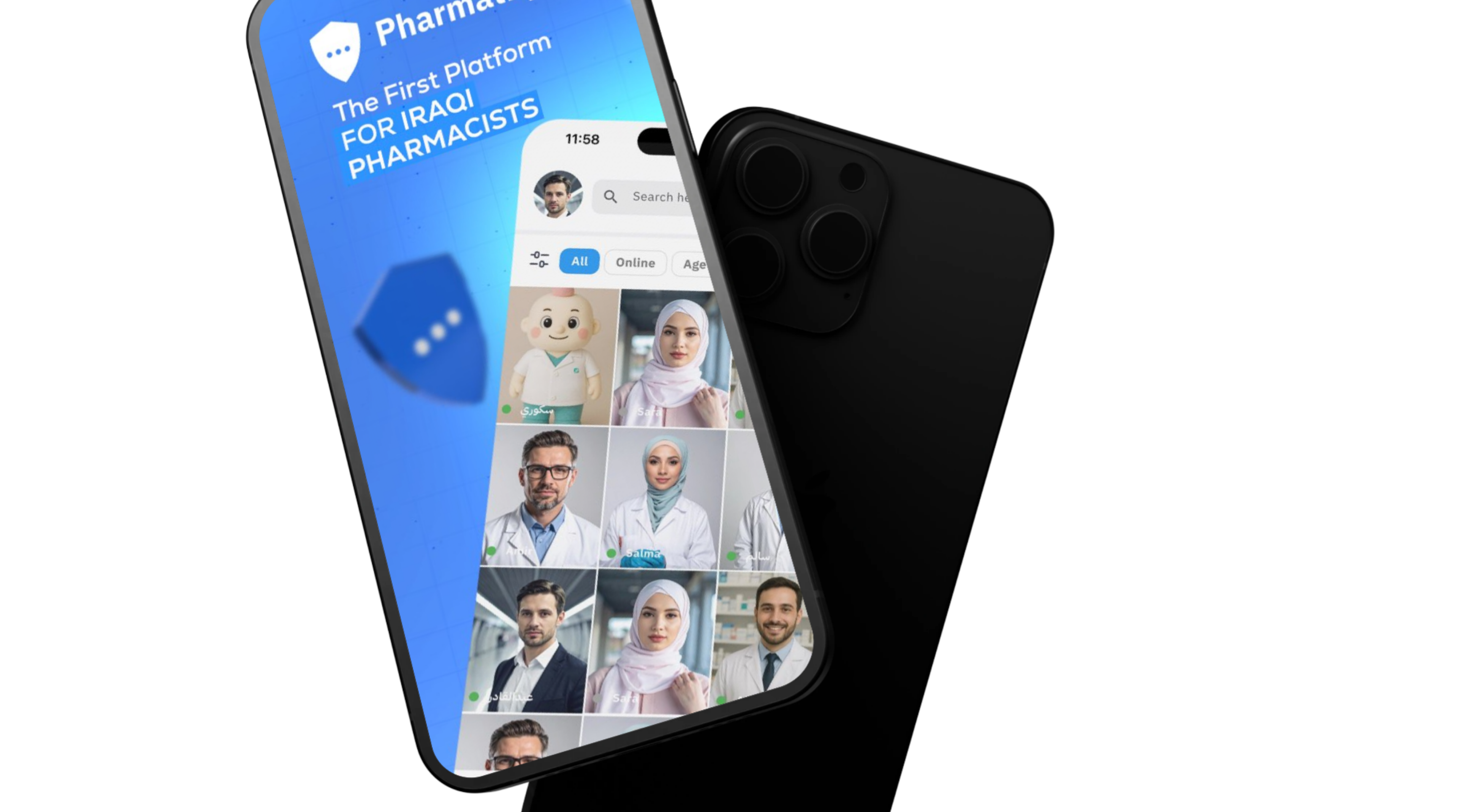
Pharmatiq is a specialized education and professional community platform designed for pharmacists and pharmacy students. It combines structured digital learning with professional networking inside one connected mobile ecosystem.
The platform delivers organized video courses, automated interactive assessments, digital completion certificates with unique reference numbers, and a professional social experience featuring stories, likes, saved content, and user profiles.
Users can also communicate through a real-time messaging system that supports text, images, documents, voice messages, online presence, typing indicators, and push notifications.
A centralized Administration Dashboard manages users, registration codes, courses, assessments, certificates, profile approvals, stories, complaints, inquiries, and global platform content.
 |
 |
Project Overview
Pharmatiq was developed to provide a dedicated learning and networking environment for the pharmacy sector, replacing disconnected education tools and generic social platforms with one specialized experience.
Users register with a dedicated invitation code, complete their professional and academic information, verify their phone number, and create a profile displaying their university, graduation year, job role, and completed courses.
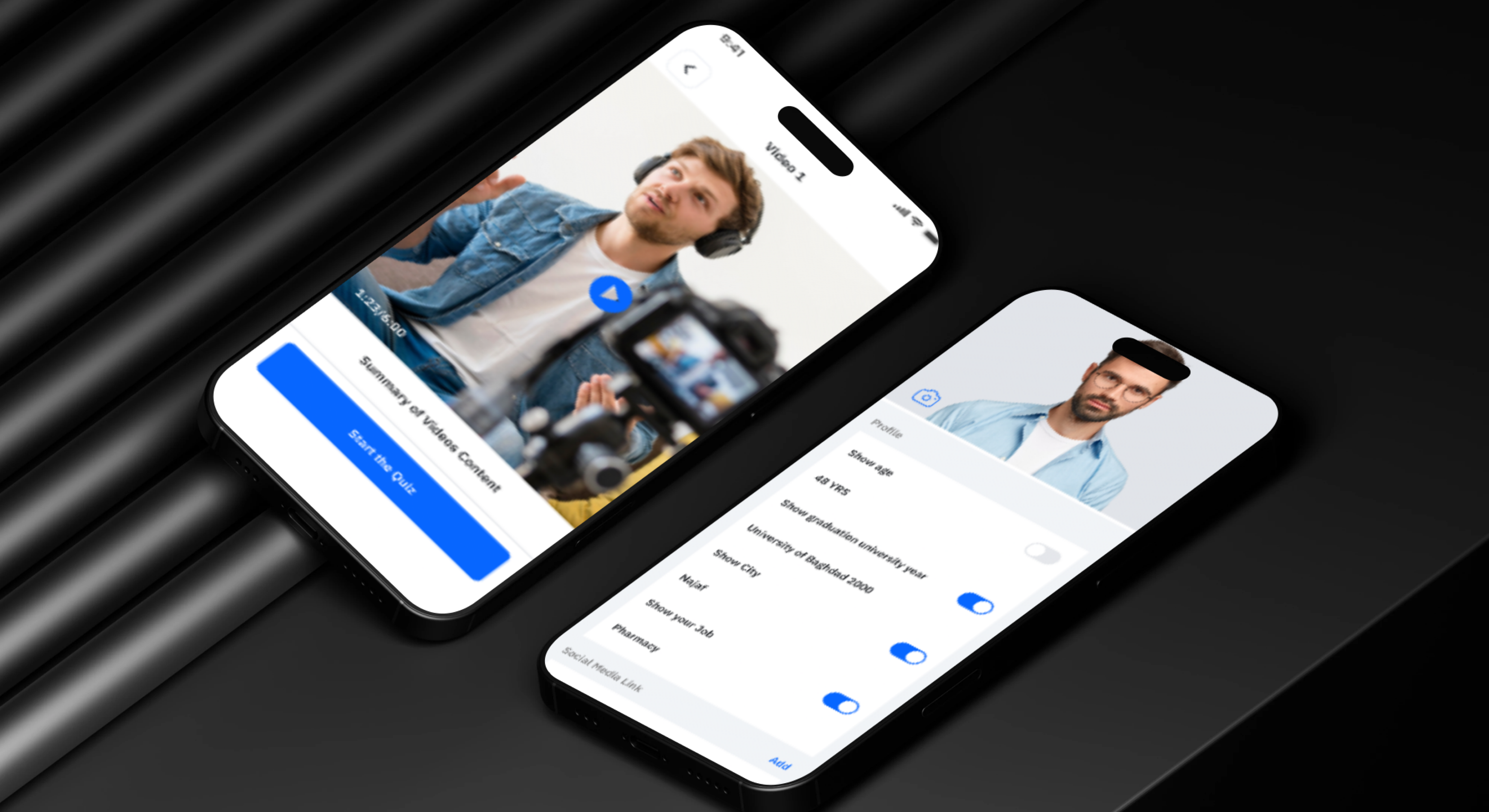
After account activation, users can browse available courses, move through structured sections and video lessons, track their progress, complete the associated assessments, and receive immediate results.
When the configured course requirements are completed successfully, the system generates a digital completion certificate with a unique reference number.
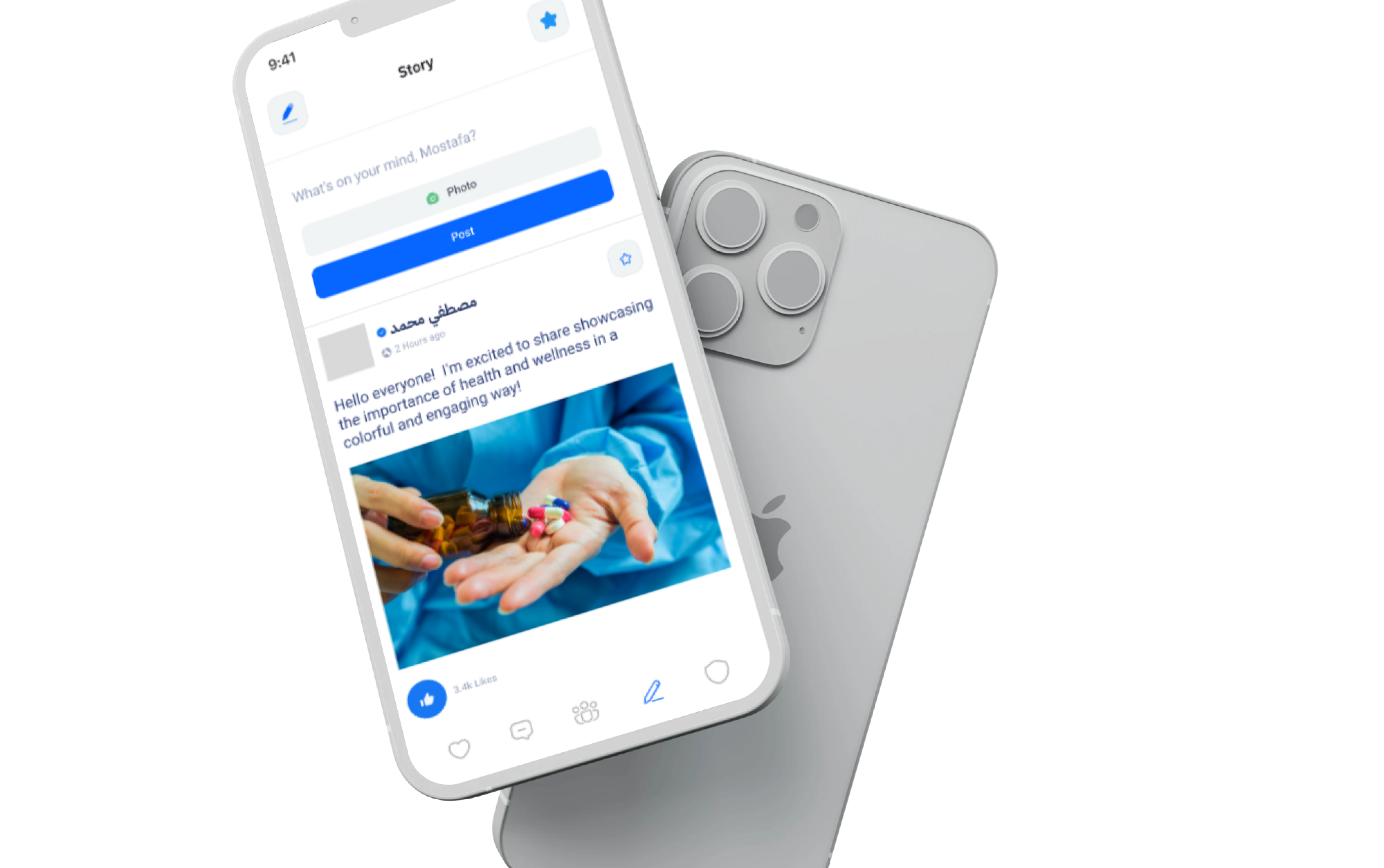
Pharmatiq also includes a professional social layer where members can publish stories, share images and updates, interact with peer content, save useful posts, and communicate through private conversations.
The Business and Educational Challenge
Pharmacists and pharmacy students require continuous access to professional education and current industry knowledge, but available learning content may be scattered across several platforms and presented without a clear learning structure.
General social networks do not provide a dedicated professional environment for pharmacists and may include unverified users, unrelated content, and information from unclear sources.
Educational organizations also face operational challenges when manually managing courses, lessons, assessments, student progress, grading, certificates, and participant verification.
A professional community also requires tools for user approval, profile image review, content moderation, reporting, blocking, and controlled registration.
The project therefore required one connected digital ecosystem that could combine e-learning, professional identity, social engagement, real-time messaging, and centralized administration.
The Thotix Solution
Designed and developed by Thotix, Pharmatiq provides a specialized digital environment that combines professional education and pharmacy networking inside one platform.
Registration is controlled through dedicated codes that help the platform organize user access and community growth, supported by phone verification and administrative profile image review.
The mobile application enables users to browse courses, watch video lessons, complete assessments, receive certificates, publish stories, interact with members, and communicate through private real-time messaging.
The Administration Dashboard provides complete control over curricula, users, registration codes, profile approvals, social content, reports, inquiries, and system settings.
 |
 |
Key Platform Features
Continuing Education and Professional Courses
- Structured Video Courses: Deliver educational content through courses divided into sections and sequential lessons.
- Progressive Learning Paths: Organize content in a clear order that guides users through every course.
- Progress Tracking: Display completed lessons and overall course progress.
- Specialized Educational Content: Provide learning material created for pharmacists and pharmacy students.
- Mobile Learning: Access courses and lessons directly from the mobile application.
- Curriculum Management: Create and update courses, sections, and video lessons through the dashboard.
Interactive Assessments
- Multiple-Choice Quizzes: Assess knowledge using questions connected to course content.
- Automatic Grading: Evaluate submitted answers and provide immediate results.
- Passing Rules: Configure the required score for each course assessment.
- Result Records: Store user scores and connect them to the course and profile.
- Honor Roll: Highlight users who achieve outstanding or perfect scores.
- Question Management: Create questions, answer options, and correct answers from the dashboard.
Digital Certificates
- Automatic Certificate Generation: Create a digital certificate after successful course completion.
- Unique Reference Number: Assign an independent identifier to every certificate.
- User and Course Information: Include relevant learner and course details.
- Certificate Download: Allow users to access their completion certificate.
- Certificate History: Display earned certificates inside the professional profile.
- Administrative Visibility: Review issued certificates and results from the dashboard.
Professional Community and Stories
- User Stories: Publish professional updates using text and images.
- Story Likes: Interact with useful content shared by community members.
- Saved Content: Bookmark important stories for future reference.
- Daily Professional Sharing: Exchange experiences, information, and industry updates.
- Content Reporting: Report inappropriate or policy-violating content.
- User Blocking: Prevent unwanted communication and content visibility.
Professional User Profiles
- Basic Information: Display user name, image, and available contact information.
- Academic Information: Add university, graduation year, and educational background.
- Professional Role: Display the user’s job title or area of work.
- Completed Certificates: Show successfully completed courses.
- Profile Image Approval: Submit profile images for administrative review.
- Account Status Control: Allow administrators to activate or suspend accounts.
Real-Time Messaging
- Private Conversations: Communicate directly with other platform members.
- Text Messaging: Exchange messages through secure user conversations.
- Image and File Sharing: Send documents and media attachments.
- Voice Messages: Exchange recorded audio messages.
- Typing Indicators: Display when the other participant is composing a message.
- Online Presence: Show user connection status where available.
- Message Notifications: Deliver alerts when new messages arrive.
Registration and Verification
- Registration Codes: Require a valid code before creating an account.
- Phone Verification: Send an OTP code to confirm the user’s phone number.
- Usage Limits: Define how many times each registration code can be used.
- Individual and Bulk Generation: Create one or multiple codes from the dashboard.
- Profile Information Review: Review academic and professional details.
- Account Activation: Activate or suspend user access administratively.
 |
 |
Notifications
- Message Notifications: Alert users about new private messages.
- Platform Updates: Deliver important announcements.
- Content Notifications: Inform users about new courses and activities.
- Account Notifications: Communicate activation and image approval updates.
- Multi-Channel Communication: Use push notifications, SMS, and email according to message type.
Support and Inquiries
- Support Requests: Submit questions and technical issues.
- Advertising Inquiries: Receive partnership and sponsorship requests.
- Inquiry Tracking: Review submitted requests through the dashboard.
- Contact Configuration: Maintain support email, phone, and social links.
Administration Dashboard
- User Management: Review member details and control account status.
- Profile Image Moderation: Approve, reject, or request changes to uploaded images.
- Registration Code Management: Generate codes and monitor their usage.
- Course Management: Create and update courses, sections, and lessons.
- Assessment Management: Build questions, options, and correct answers.
- Results and Certificates: Review user scores and issued certificates.
- Story Moderation: Review and remove content that violates platform policies.
- Complaint Management: Investigate reports related to content and users.
- Inquiry Management: Review support and advertising requests.
- Content Management: Update About, Terms, Privacy, and Community Guidelines pages.
- Communication Settings: Maintain support and social media information.
Main User Types
Pharmacist
Browses courses, watches lessons, completes assessments, earns certificates, publishes stories, interacts with members, and communicates through real-time messaging.
Pharmacy Student
Uses the platform to develop knowledge, follow educational content, build a professional profile, and connect with other students and professionals.
Platform Administrator
Manages users, registration codes, courses, assessments, certificates, stories, complaints, inquiries, content, and system settings.
How the Platform Works
- The user receives a valid registration code.
- Personal, academic, and professional information is entered.
- The phone number is verified using an OTP code.
- A profile image is uploaded for review.
- The administration team reviews the image and account information.
- The account is activated and platform access is enabled.
- The user browses the available educational courses.
- Video lessons are watched in sequence while progress is recorded.
- The user completes the course assessment.
- The system grades the answers and displays the result.
- After successful completion, a certificate is generated with a unique reference number.
- The user can publish stories and interact with professional content.
- Private conversations can be started with support for media and file sharing.
Connected Digital Ecosystem
Mobile Application
The main user channel for courses, lessons, assessments, certificates, stories, messaging, and professional profiles.
E-Learning System
Organizes courses, sections, video lessons, assessments, results, certificates, and learner progress.
Professional Social System
Manages stories, likes, favorites, complaints, blocks, and professional profiles.
Real-Time Messaging System
Supports direct messages, files, media, voice recordings, online status, and typing indicators.
Administration Dashboard
Provides centralized management of users, learning content, social content, registration codes, inquiries, and policies.
API Backend
Connects the mobile application, dashboard, database, SMS gateway, push notifications, email services, and real-time events.
Integrations and Connected Services
- Laravel Sanctum: Token-based authentication for mobile API communication.
- Pusher: Real-time messaging, typing indicators, and event broadcasting.
- OTPIQ: SMS delivery for phone verification codes.
- Firebase Cloud Messaging: Push notifications for messages and platform updates.
- SMTP: Password recovery, system emails, and administrative notifications.
Business Value
- Provides a specialized education platform for the pharmacy sector.
- Combines learning and professional networking in one application.
- Organizes user access through registration codes.
- Automates assessment grading and certificate generation.
- Reduces manual course and participant administration.
- Improves engagement through stories and messaging.
- Provides professional profiles displaying academic information and achievements.
- Supports content reporting, user blocking, and moderation.
- Centralizes learning, community, user, and support management.
- Provides a scalable foundation for additional courses and platform capabilities.
Technology Overview
- Backend Framework: Laravel 10.
- Programming Environment: PHP 8.1 or later.
- Administration Dashboard: Filament 3.3.
- Database: MySQL.
- API Authentication: Laravel Sanctum.
- Real-Time Communication: Pusher Channels and Laravel Broadcasting.
- Push Notifications: Firebase Cloud Messaging.
- SMS Verification: OTPIQ SMS API.
- API Documentation: Scramble OpenAPI.
- Architecture: REST API connecting the mobile application, dashboard, and external services.
Project Highlights
- Professional education and community platform for pharmacists.
- Controlled registration using dedicated access codes.
- Video courses divided into sections and lessons.
- Interactive assessments with instant grading.
- Digital certificates with unique reference numbers.
- Honor Roll for high-performing learners.
- Stories, likes, and saved professional content.
- Academic and professional user profiles.
- Real-time messaging with media and file support.
- Push notifications and SMS verification.
- Profile, content, and complaint moderation.
- Centralized Filament Administration Dashboard.
Conclusion
The Pharmatiq project demonstrates Thotix’s ability to build specialized digital platforms that combine structured education, professional networking, real-time communication, and centralized operations.
By bringing together video courses, automated assessments, digital certificates, professional stories, user profiles, real-time messaging, verification, and administration, the platform delivers a connected experience for pharmacists and pharmacy students.
Designed and developed by Thotix.
From Ancient Wisdom to Future Intelligence.