
ARWA
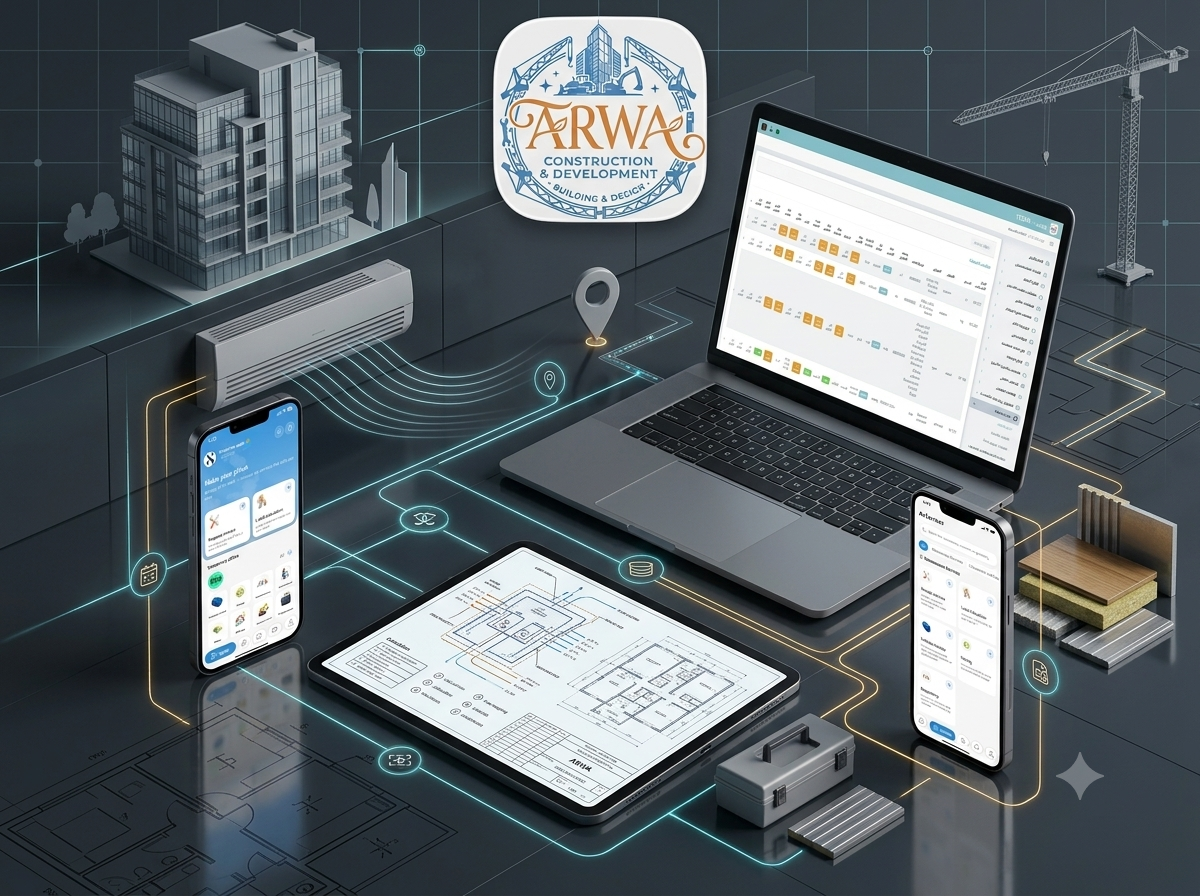
A connected multi-vendor services marketplace that links property owners with maintenance companies, field technicians, consulting engineers, equipment providers, and construction suppliers through service booking, HVAC calculations, equipment rentals, materials trading, and centralized operations.
- Client : ARWA
- Duration : 8 Months
- year : 2025
- App Store Link
- Google Play Link
Maintenance, Engineering, Construction Logistics, and Field Operations in One Platform
ARWA is a connected multi-vendor marketplace designed to bring property owners, maintenance companies, field technicians, consulting engineers, equipment providers, and construction suppliers into one operational ecosystem.
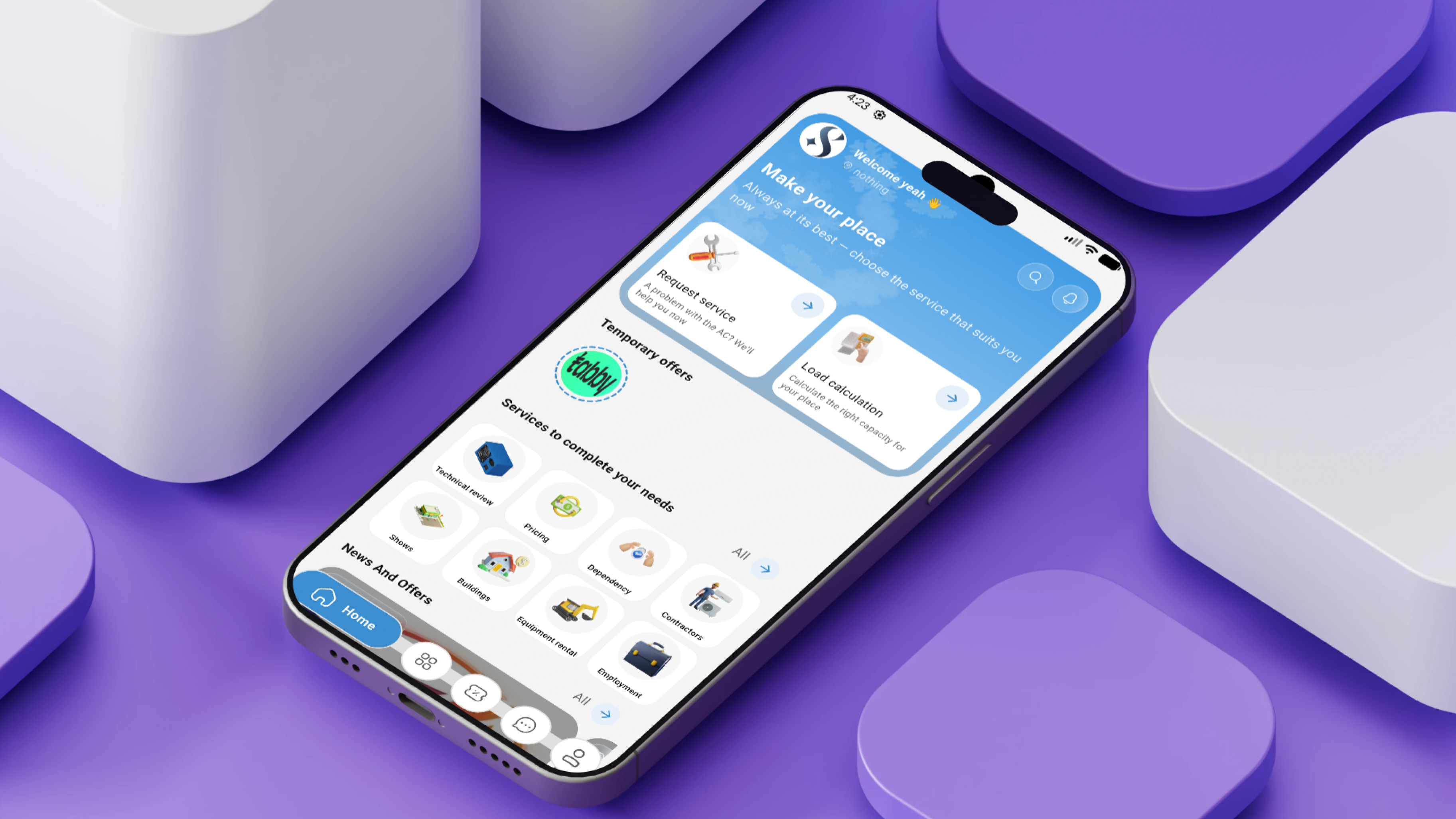
The platform combines air-conditioning, swimming pool, elevator, and home-appliance maintenance bookings with engineering consultations, HVAC load calculations, blueprint uploads, construction equipment rentals, air-system commerce, and building-material exchange.
The ARWA ecosystem includes a Customer Mobile Application, a Technician Mobile Application, a Service Provider Web Portal, a centralized Administration Dashboard, a public website, and a secure API backend.
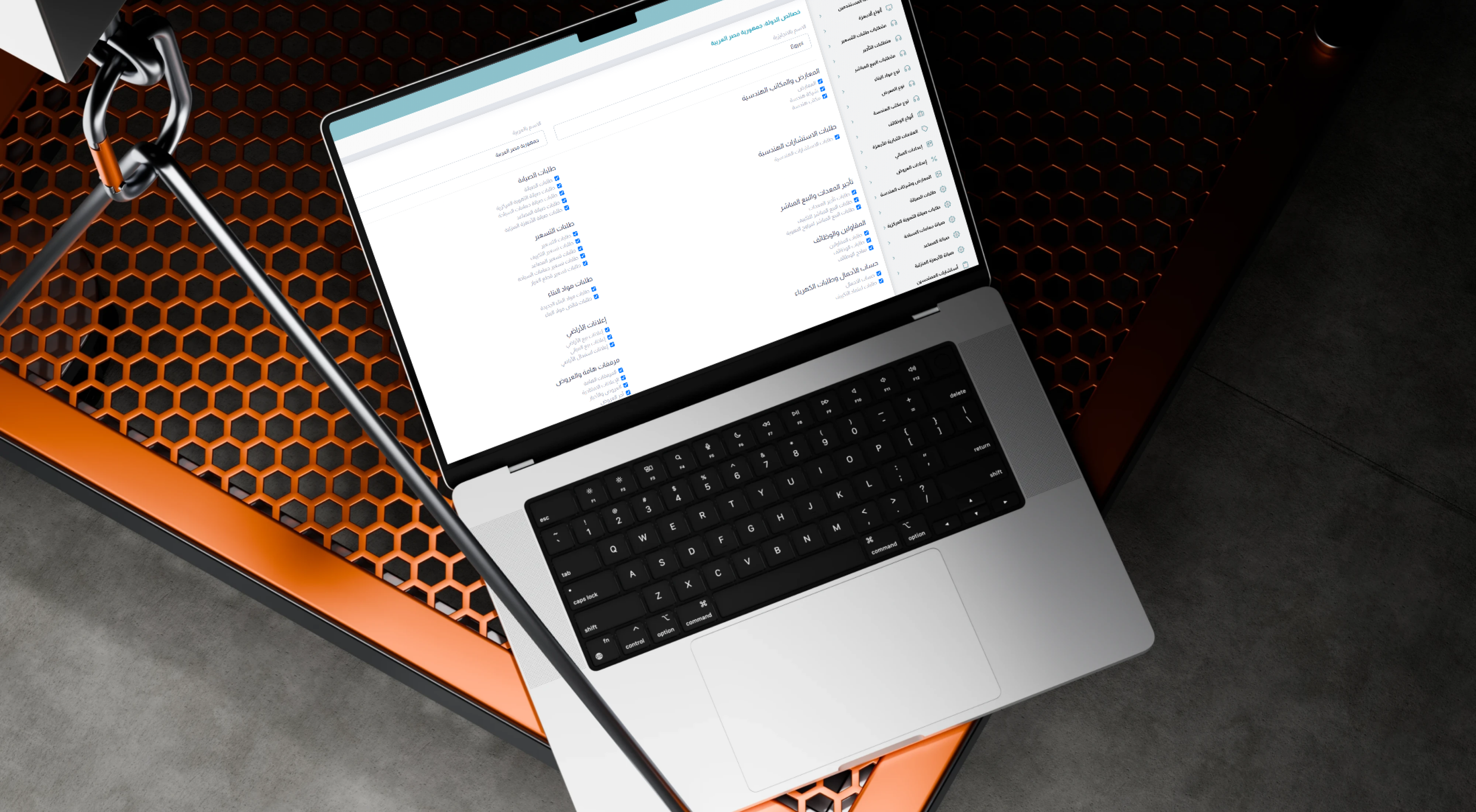
Administrators can activate or deactivate individual service modules by country, allowing the platform to adapt to different regional operations and market requirements.
 |
 |
Project Overview
ARWA was developed to transform fragmented maintenance, engineering, and construction service workflows into one organized digital journey.
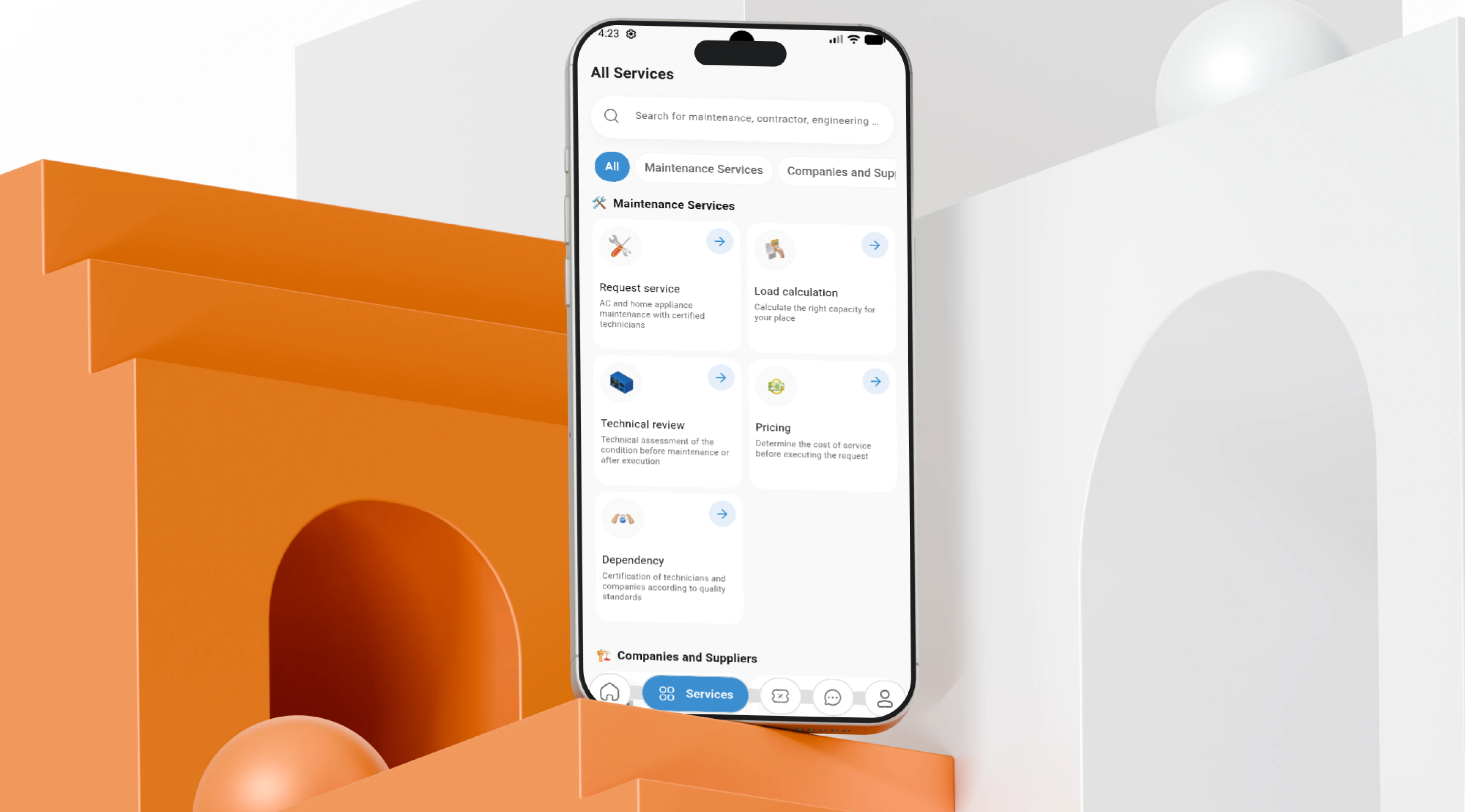
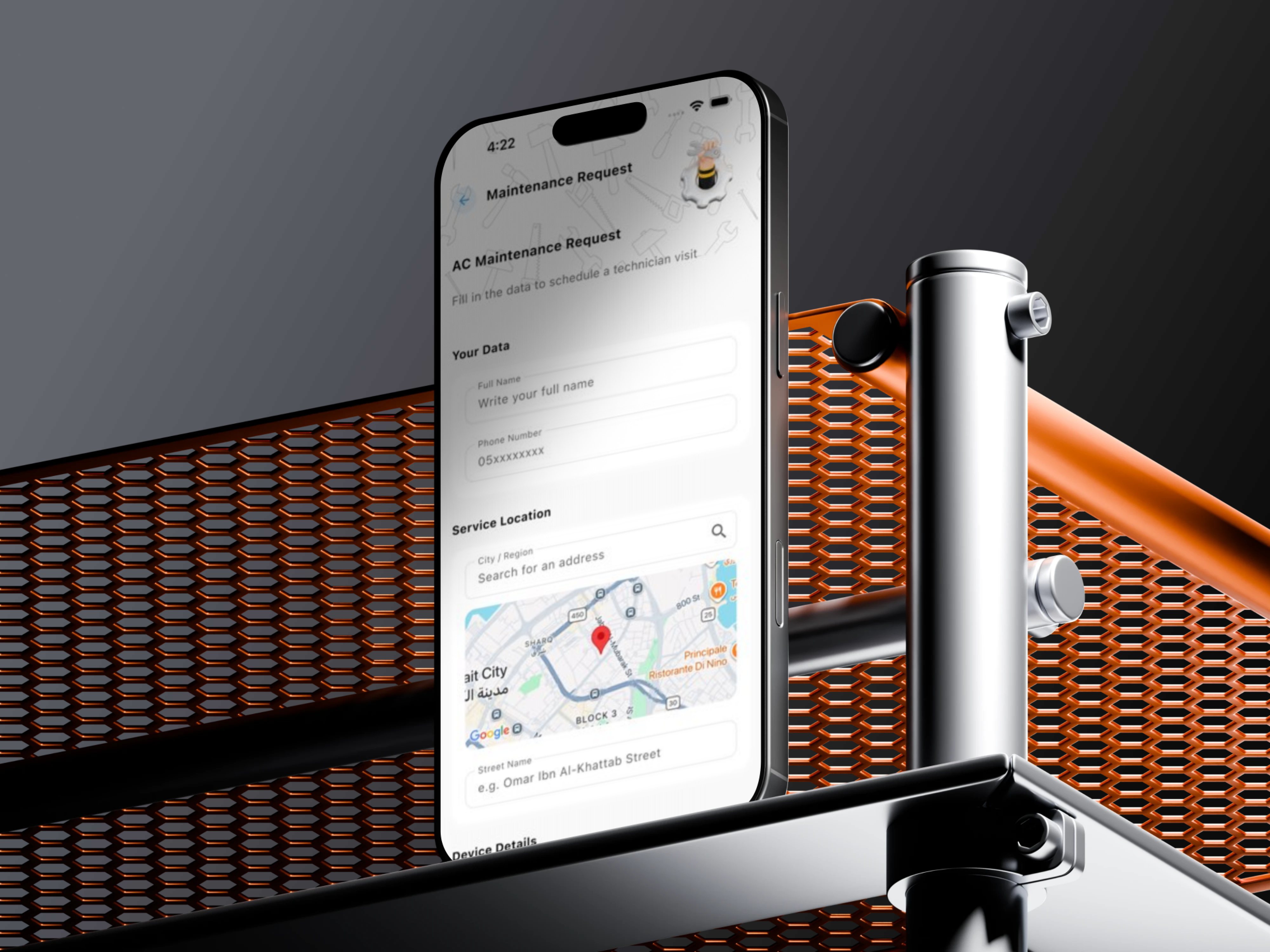
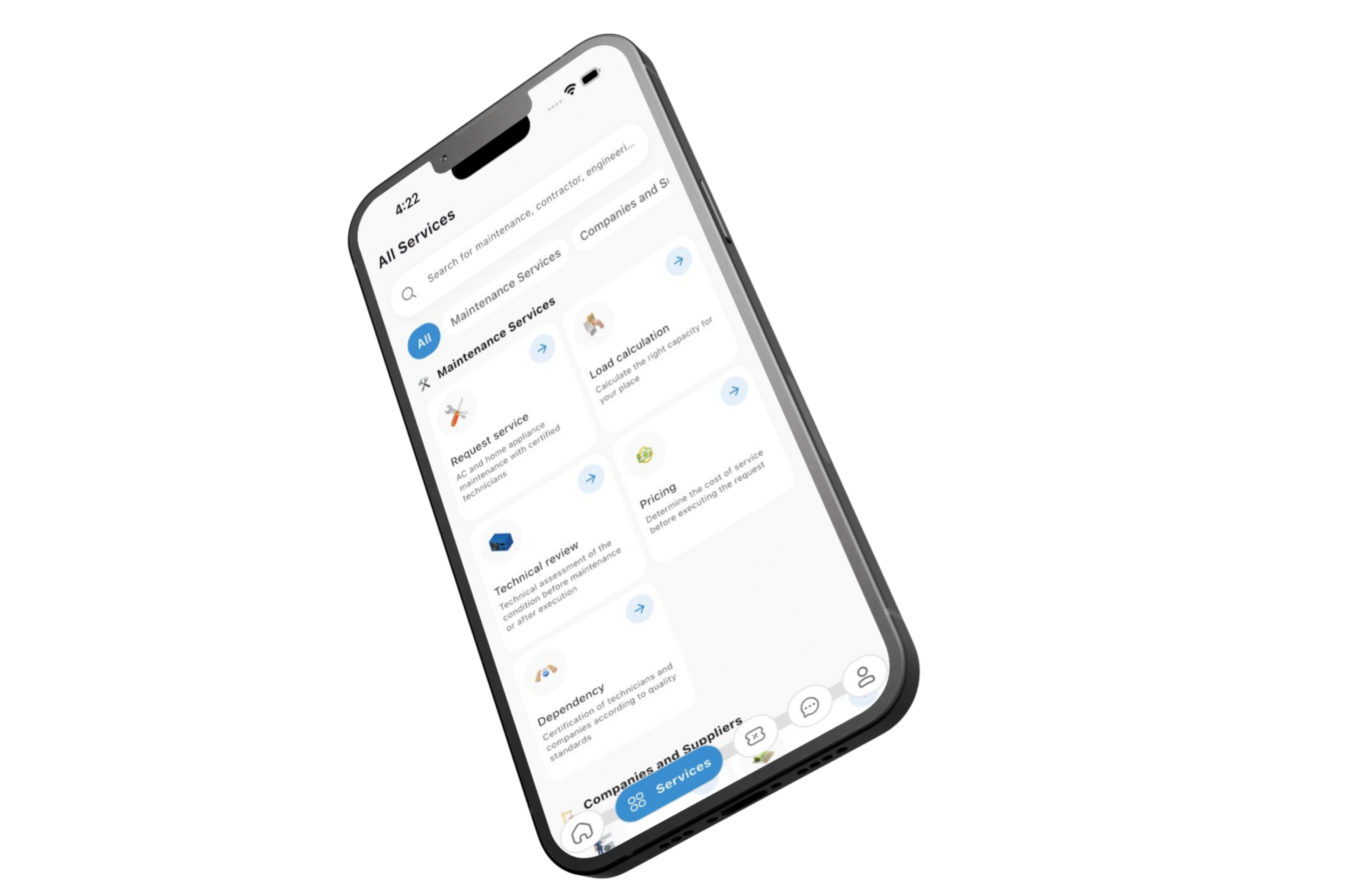
Customers can select a service, define the property location, describe the requirement, upload images or engineering files, and submit the request to an approved company or consultant.
Service companies receive requests through their portal, review the requirements, propose visit times, and assign qualified technicians according to specialization and availability.
Assigned technicians receive task, customer, location, and scheduling details through a dedicated mobile application and update the work status during travel, arrival, execution, and completion.
ARWA also supports advanced technical workflows, including room and building information collection for HVAC load calculations, BTU and CFM requirements, and PDF or AutoCAD blueprint submissions.
Additional marketplace modules support heavy equipment rentals, direct air-conditioning and ventilation product sales, building-material trading, property classifieds, and technical job opportunities.
The Business and Operational Challenge
Property owners often struggle to find reliable maintenance companies, technicians, and consulting engineers in a fragmented service market.
Manual communication creates delays when requesting quotations, arranging appointments, confirming visits, and coordinating field employees.
Service companies also experience scheduling conflicts and inefficient technician allocation when bookings, employee availability, and customer approvals are managed through disconnected tools.
Engineering services such as HVAC calculations, elevator proposals, pool projects, and blueprint reviews require documents and structured technical information that are difficult to manage through phone calls and messaging applications.
Construction projects face additional sourcing challenges when renting machinery, finding materials, or trading project surplus without a dedicated marketplace.
The platform therefore required a centralized and scalable solution connecting field operations, engineering files, service providers, commerce, rentals, and regional configuration.
The Thotix Solution
Designed and developed by Thotix, ARWA provides one digital ecosystem for customers, service companies, technicians, consulting engineers, suppliers, and platform operators.
The service workflow begins with discovery and request submission, continues through review, scheduling, and technician allocation, and ends with field execution, completion, and rating.
The Service Provider Portal enables companies to manage technicians, specializations, availability, requests, schedules, assignments, and customer feedback.
The Technician Application provides direct access to assigned work, customer information, geographical locations, visit schedules, and operational status controls.
Engineering, equipment rental, product commerce, and materials exchange modules are integrated into the same backend rather than operating as disconnected systems.
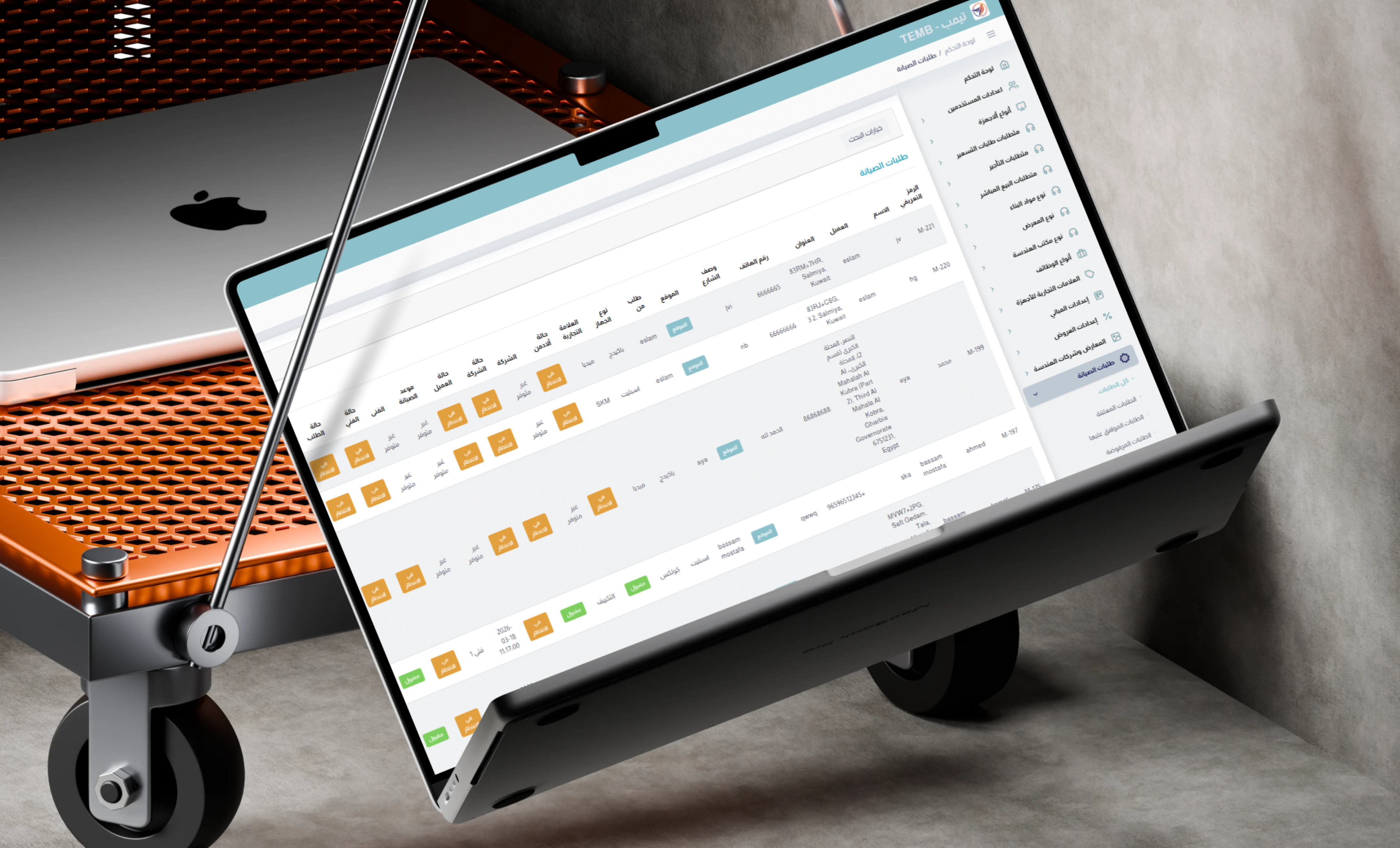
The Administration Dashboard controls provider verification, requests, calculation parameters, countries, modules, marketing, notifications, reviews, and reports.
 |
 |
Key Platform Features
Maintenance Service Booking
- Multi-Category Services: Book air-conditioning, ventilation, pool, elevator, and home-appliance maintenance.
- Service Location: Select the property address and geographic coordinates.
- Requirement Description: Explain the issue before submitting the booking.
- Image Attachments: Upload visual information for the provider and technician.
- Country-Based Availability: Browse services enabled for the selected market.
- Request Tracking: Follow the booking through review, scheduling, execution, and completion.
- Booking History: Review active and previous service requests.
Appointment Management
- Visit Proposals: Allow providers to suggest suitable appointment times.
- Customer Approval: Accept proposed visits through the application.
- Appointment Rejection: Reject unsuitable times without cancelling the full request.
- Rescheduling: Request or propose alternative dates.
- Schedule Coordination: Reduce conflicts between customers and technicians.
- Appointment Notifications: Alert all relevant users when a schedule changes.
Technician Dispatching
- Technician Team Management: Register field employees under service provider companies.
- Specialization Assignment: Connect technicians with eligible service categories.
- Availability Review: Identify available field resources.
- Task Allocation: Assign each booking to a suitable technician.
- Field Schedule: Display current and upcoming visits.
- Execution Status: Track travel, arrival, work start, and completion stages.
- Resource Optimization: Improve technician utilization and reduce downtime.
Technician Mobile Application
- Assigned Task List: Review jobs allocated to the technician.
- Service Details: Access issue descriptions, images, and customer information.
- Location Access: View destination coordinates and navigation information.
- Status Updates: Update the task throughout the execution workflow.
- Schedule Review: Follow daily and future appointments.
- Work History: Review completed tasks and ratings.
- Push Notifications: Receive new assignments and schedule updates.
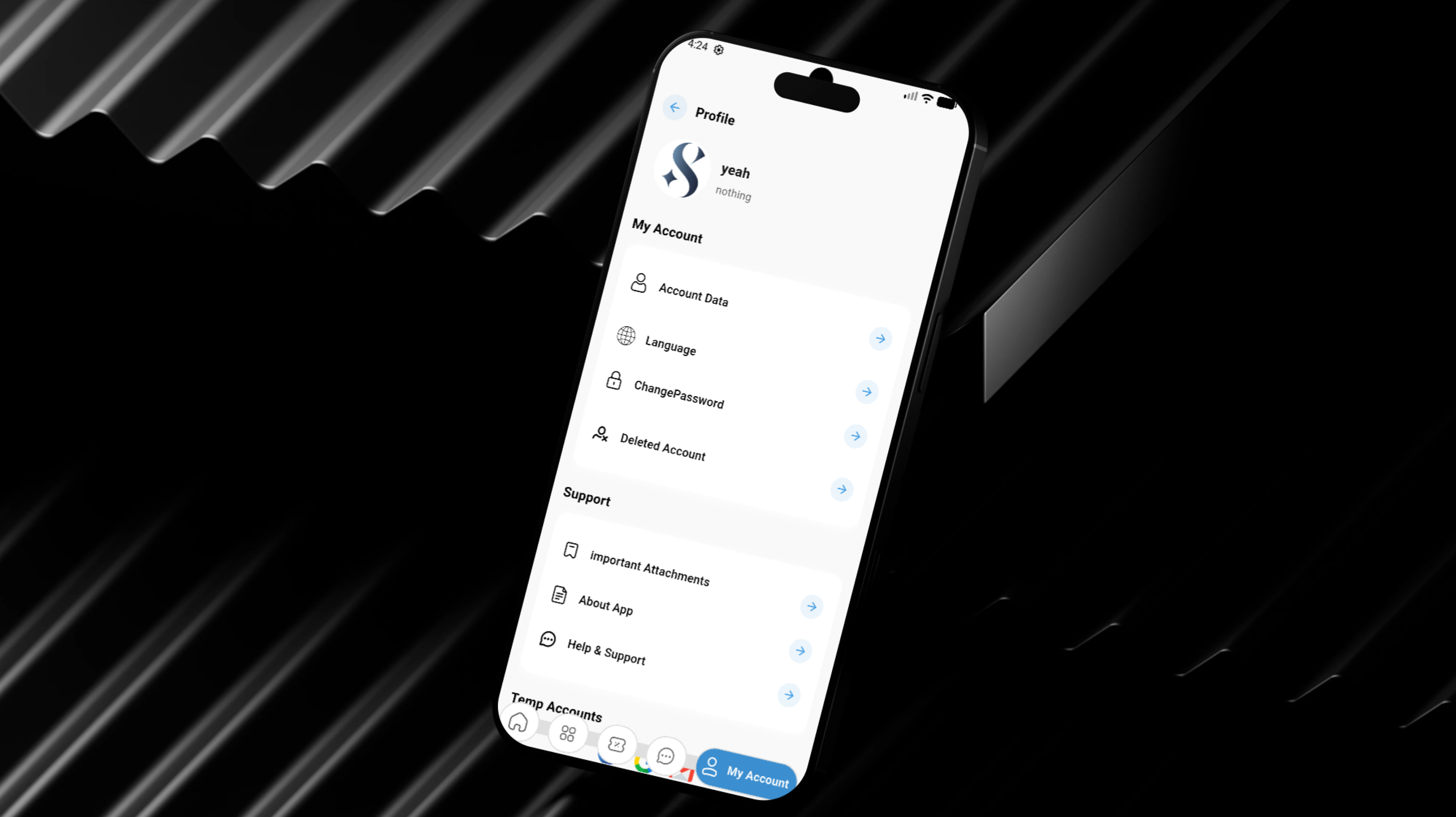
Service Provider Web Portal
- Company Profile: Manage business information, services, and contact details.
- Employee Management: Add technicians and maintain their roles and specializations.
- Booking Management: Review, accept, and coordinate customer requests.
- Task Assignment: Allocate bookings to qualified technicians.
- Schedule Management: Propose visits and monitor customer approval.
- Performance Monitoring: Review completed tasks and technician ratings.
- Review Management: Monitor customer feedback and service quality.
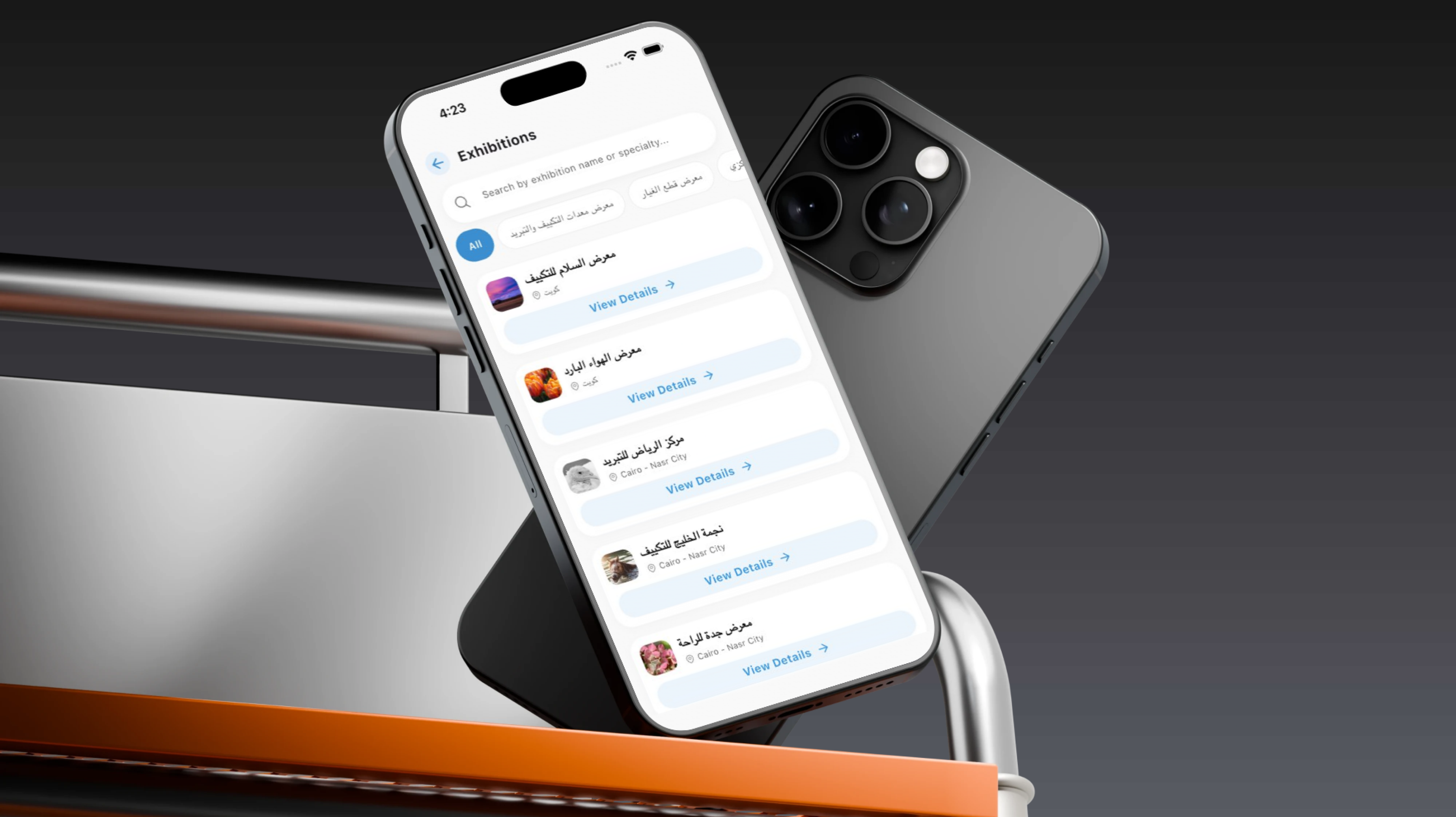
Engineering Consultant Directory
- Professional Profiles: Present consulting engineers and engineering offices.
- Specialization Filters: Browse consultants according to service requirements.
- Qualification Information: Review available professional details.
- Consultation Requests: Submit engineering requirements for a property or project.
- File Attachments: Upload plans, reports, and supporting documents.
- Consultant Responses: Receive comments, calculations, designs, or quotations.
 |
 |
HVAC Load Calculations
- Building Information: Define property and usage type.
- Room Dimensions: Enter length, width, height, and area information.
- Capacity Estimation: Calculate required thermal load using configured parameters.
- BTU and CFM Support: Organize output for air-conditioning and ventilation requirements.
- Configurable Calculation Values: Manage engineering parameters from the Administration Dashboard.
- Consultant Review: Route submitted information to qualified engineering specialists.
- Calculation History: Store requests and files under the customer account.
Blueprint and CAD Uploads
- PDF Documents: Upload architectural and engineering files.
- AutoCAD Support: Submit design files where required.
- Request-Based Attachments: Organize files under the related project or service.
- Authorized Review: Restrict technical documents to the relevant parties.
- Comments and Follow-Up: Request missing information or provide technical feedback.
- Protected File Access: Maintain controlled access to project documents.
Elevator and Pool Proposals
- Custom Requirement Requests: Submit detailed projects that require tailored pricing.
- Building Information: Provide floors, location, and technical requirements.
- Plan Uploads: Attach available drawings and documents.
- Provider Review: Allow specialized companies to study the request.
- Quotation Response: Return technical or commercial proposals.
- Status Tracking: Follow review and response progress.
Construction Equipment Rentals
- Equipment Catalog: Browse construction machinery available for rental.
- Equipment Selection: Choose machinery according to the project requirement.
- Quantity Configuration: Request multiple equipment units.
- Usage Information: Submit required operational details or rental period.
- Project Location: Connect the request to the destination site.
- Rental Request Tracking: Follow review and provider response.
Air-Conditioning and Ventilation Commerce
- AC Unit Sales: Browse and request available air-conditioning products.
- Ventilation Fans: Discover ventilation equipment and solutions.
- Product Information: Review images, descriptions, and specifications.
- Price and Availability: Display current product status.
- Product Requests: Select quantities and submit orders.
- Installation Connection: Connect product purchasing with field installation services.
Building Materials Marketplace
- New Materials: List and discover new construction products.
- Project Surplus: Offer unused materials from completed or active projects.
- Buying and Selling Listings: Connect material buyers and sellers.
- Material Details: Add quantity, condition, images, and location.
- Category Browsing: Organize building materials into structured groups.
- Listing Communication: Help interested users contact the listing owner.
Real Estate Classifieds
- Land Sales: Publish land available for purchase.
- Building Sales: Present properties and constructed assets.
- Land Exchange: Publish exchange proposals between regions.
- Location Details: Add geographic and regional information.
- Images and Descriptions: Provide essential listing content.
- Administrative Moderation: Review, publish, or deactivate listings.
 |
 |
Job Board
- Job Publishing: Allow companies to post available positions.
- Technical and Engineering Roles: Support construction, maintenance, and engineering opportunities.
- Job Applications: Submit applicant information to the employer.
- CV Upload: Attach professional resumes.
- Applicant Management: Review candidates through the provider portal.
Ratings and Trust
- Service Ratings: Evaluate the completed maintenance experience.
- Technician Ratings: Review punctuality, communication, and technical quality.
- Mutual Feedback: Support two-way ratings where operationally required.
- Rating History: Connect feedback to companies, technicians, and bookings.
- Administrative Review: Monitor reports and inappropriate feedback.
- Marketplace Accountability: Improve trust and service quality.
Country and Module Management
- Multi-Country Operations: Manage different markets from one platform.
- Country-Based Module Activation: Enable or disable maintenance, rentals, commerce, or consultation modules.
- Regional Settings: Configure market-specific data and parameters.
- Localized Experience: Support multiple languages and regional content.
- Progressive Market Launch: Introduce services gradually by country.
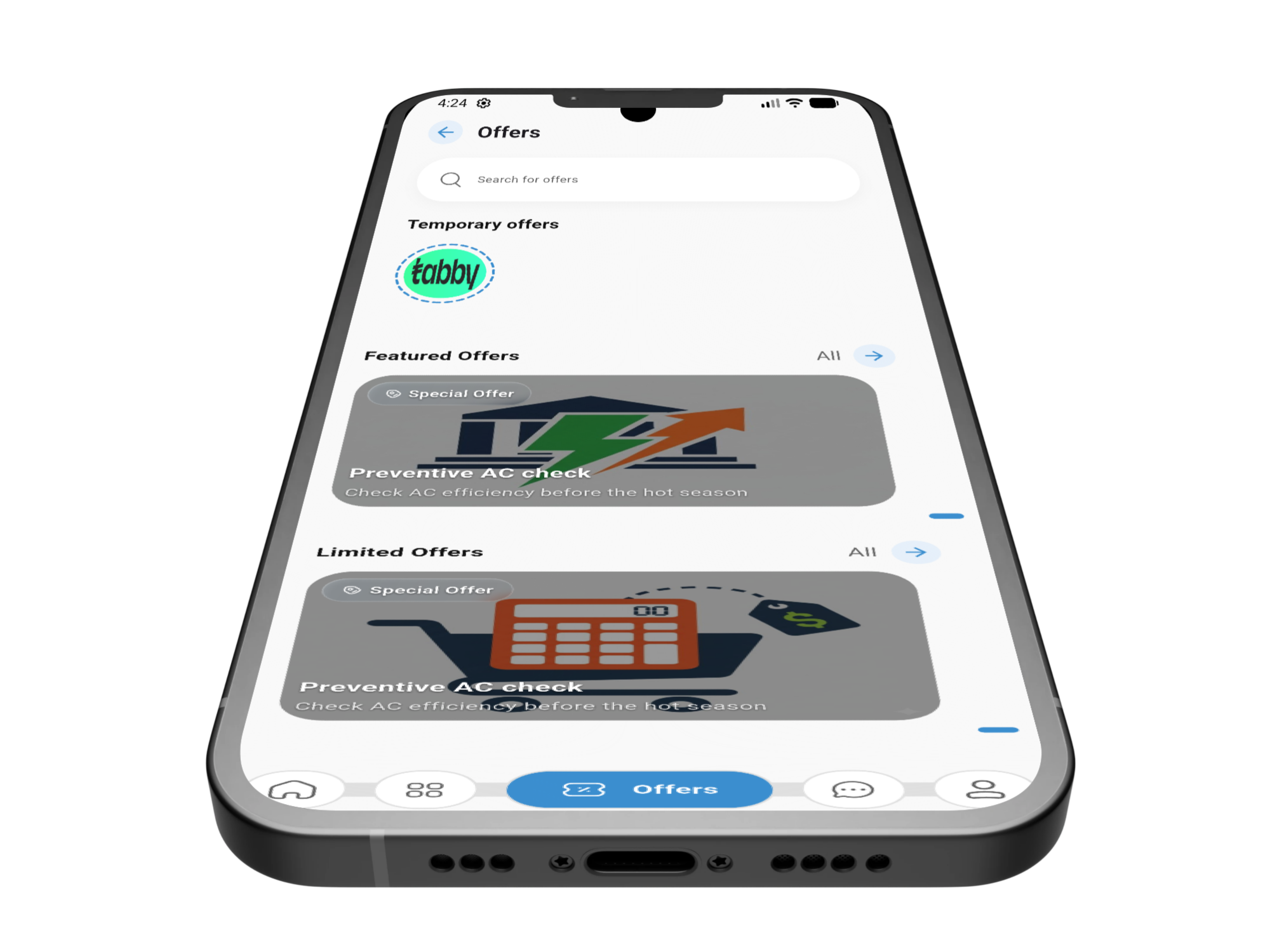
Marketing and Offers
- Latest Offers: Promote new services and campaigns.
- Limited Offers: Publish time-sensitive promotions.
- Personalized Content: Present marketing material to selected audiences.
- Application Advertising: Display visual or video promotional content.
- Onboarding Content: Guide users toward important application features.
- Content Administration: Manage campaigns from the dashboard.
Notifications and Communication
- Booking Notifications: Alert customers, providers, and technicians when requests change.
- Appointment Notifications: Communicate proposed and updated schedules.
- Dispatch Notifications: Inform technicians about new assignments.
- Promotion Notifications: Distribute active offers and campaigns.
- Email Communication: Support password recovery and system messages.
- Internal Operational Alerts: Notify platform teams about important events.
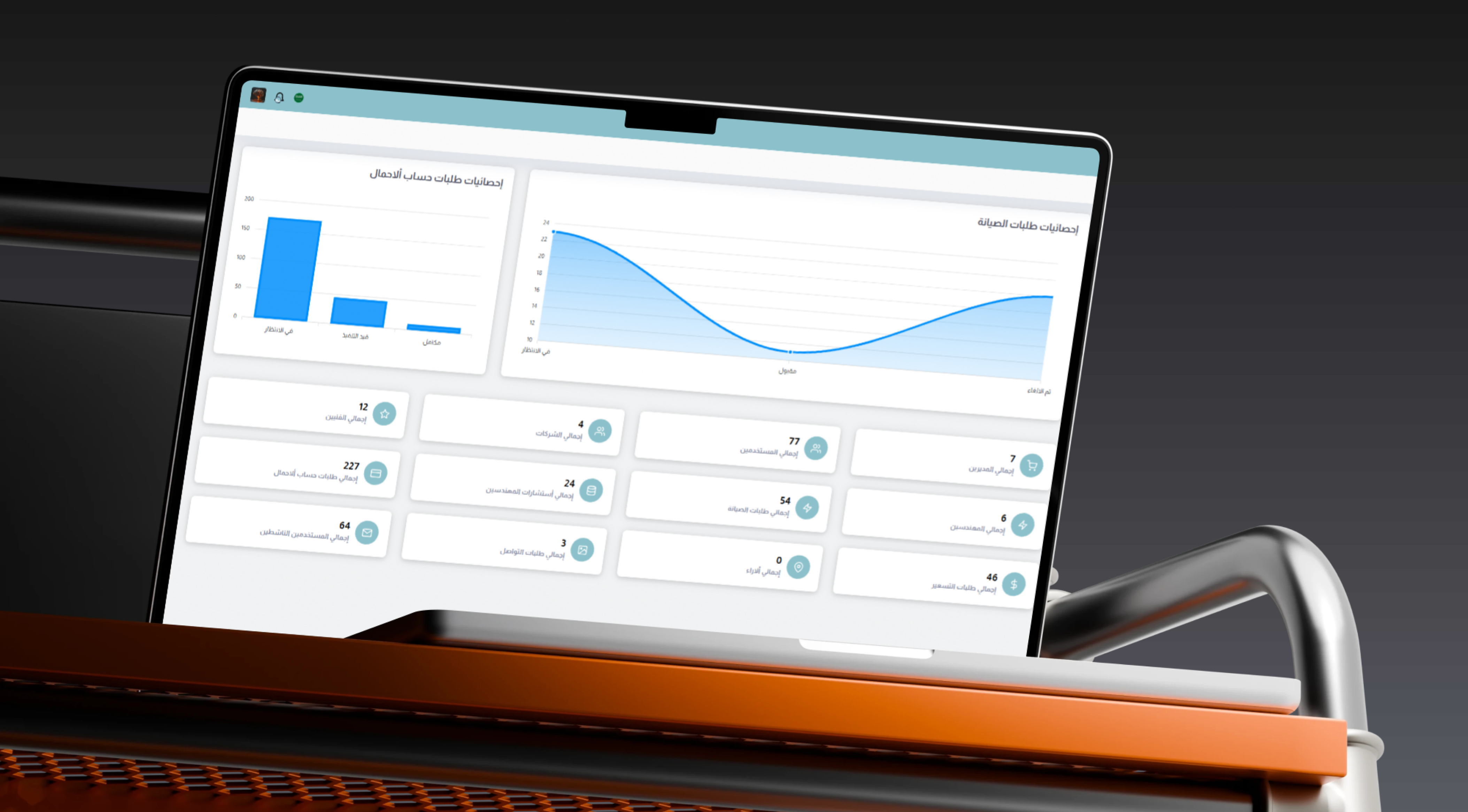
Administration Dashboard
- User Management: Review customer accounts and activation status.
- Provider Verification: Approve service companies and commercial profiles.
- Engineer Verification: Review consulting engineer accounts.
- Technician Management: Monitor employees, roles, and operational status.
- Booking Supervision: Follow requests, schedules, assignments, and completion.
- Engineering Request Management: Review calculations, drawings, and proposals.
- Rental Management: Monitor construction equipment requests.
- Marketplace Moderation: Review materials, property, and job listings.
- Parameter Management: Configure CFM values, building types, and available brands.
- Country Configuration: Activate or deactivate platform modules by market.
- Marketing Management: Maintain offers, advertisements, and onboarding content.
- Rating Management: Review feedback and reports.
- Analytics and Reporting: Monitor users, requests, and reviews through charts and tables.
 |
 |
Main User Types
Customer or Property Owner
Books maintenance, approves appointments, uploads blueprints, requests consultations, rents equipment, purchases products, trades materials, and follows service progress.
Service Provider Company
Manages its business profile, services, employees, bookings, schedules, technician assignments, and customer ratings.
Field Technician
Receives assigned jobs, reviews locations and requirements, updates execution status, and follows schedules and ratings.
Consulting Engineer
Reviews engineering requests and drawings and provides calculations, designs, technical responses, or quotations.
Seller or Equipment Provider
Lists equipment, materials, or products and manages related customer requests.
Platform Administrator
Controls users, companies, engineers, technicians, bookings, services, countries, content, ratings, and reports.
How the Maintenance Booking Workflow Works
- The customer creates an account and selects a country and language.
- A maintenance category is selected.
- The customer adds issue details, images, and the property location.
- The booking is submitted to the provider or administration workflow.
- The service company reviews the requirement.
- A suitable visit time is proposed.
- The customer accepts the appointment or requests another date.
- The company assigns a qualified technician.
- The technician receives the task and location information.
- The technician travels to the property and updates arrival status.
- The service is performed and execution stages are recorded.
- The booking is completed according to the operational workflow.
- The customer rates the technician and service.
How the Engineering Workflow Works
- The customer selects an engineering consultation or load-calculation service.
- Building, room, and dimensional information is entered.
- Available PDF or AutoCAD files are uploaded.
- The request is submitted through the platform.
- An administrator or engineering consultant reviews the information.
- Required calculations or technical comments are prepared.
- The customer is asked for missing information when necessary.
- The technical response, result, or quotation is delivered.
- The request and files remain available in the customer history.
Connected Digital Ecosystem
Customer Mobile Application
Supports service discovery, maintenance booking, consultation requests, document uploads, product purchasing, equipment rentals, and request tracking.
Technician Mobile Application
Supports assigned tasks, locations, navigation, visit schedules, execution updates, and work history.
Service Provider Web Portal
Provides companies with technician, booking, scheduling, assignment, rating, and operational management tools.
Administration Dashboard
Centralizes control over users, providers, engineers, requests, parameters, countries, advertising, and reports.
Public Website
Presents ARWA services, business information, contact channels, and quotation request opportunities.
Secure API Backend
Connects mobile applications, web portals, databases, notifications, maps, files, and operational business rules.
Integrations and Connected Services
- Firebase Cloud Messaging: Booking, appointment, task, and promotional push notifications.
- Google Maps: Customer, provider, technician, and maintenance-location coordinates.
- Telegram Bot: Internal operational alerts for important system events.
- SMTP: Password recovery, transactional emails, and system communication.
- JWT Authentication: Secure mobile client access to backend APIs.
- Payment and Settlement Workflows: Operate according to the methods configured for the project.
Business Value
- Consolidates maintenance, consultation, rentals, commerce, and construction workflows.
- Improves coordination between customers, service companies, and technicians.
- Reduces appointment conflicts and field-service downtime.
- Digitizes HVAC calculations, blueprint uploads, and technical requests.
- Accelerates access to equipment and construction materials.
- Creates an organized marketplace for new materials and project surplus.
- Improves trust through verification and two-way ratings.
- Allows services to be launched progressively by country.
- Provides centralized operational visibility.
- Creates a scalable foundation for additional services and markets.
Technology Overview
- Backend Framework: Laravel with PHP 8.1 or later.
- Database: MySQL.
- Mobile API Authentication: JWT through Tymon JWT.
- Web Interfaces: Laravel Blade and Bootstrap.
- Localization: Laravel Localization and Spatie Translatable.
- Charts and Reporting: ApexCharts.
- Push Notifications: Firebase Cloud Messaging.
- Maps: Google Maps API.
- Email: SMTP Mail Services.
- Architecture: API-driven ecosystem connecting customer and technician apps, web portals, and external services.
Project Highlights
- Multi-role services and construction marketplace.
- Dedicated customer and technician mobile applications.
- Service provider company web portal.
- Air-conditioning, pool, elevator, and appliance maintenance.
- Field technician scheduling and dispatching.
- Consulting engineer directory.
- HVAC load calculations and engineering parameters.
- PDF and AutoCAD blueprint uploads.
- Construction equipment rental.
- Air-conditioning and ventilation commerce.
- Building-material and project-surplus trading.
- Property classifieds and technical job board.
- Country-based feature configuration.
- Centralized administration and analytics.
Conclusion
The ARWA project demonstrates Thotix’s ability to design and develop complex multi-party ecosystems that combine service marketplaces, field operations, engineering workflows, commerce, and construction logistics.
By connecting customers, service companies, technicians, engineers, suppliers, and administrators through booking, scheduling, calculations, document management, rentals, trading, and reporting, the platform provides a scalable foundation for modern service operations.
Designed and developed by Thotix.
From Ancient Wisdom to Future Intelligence.